Image Tools – May 17, 2026 – 5 min read
Convert PNG to PDF Free Online — No Install, No Fuss
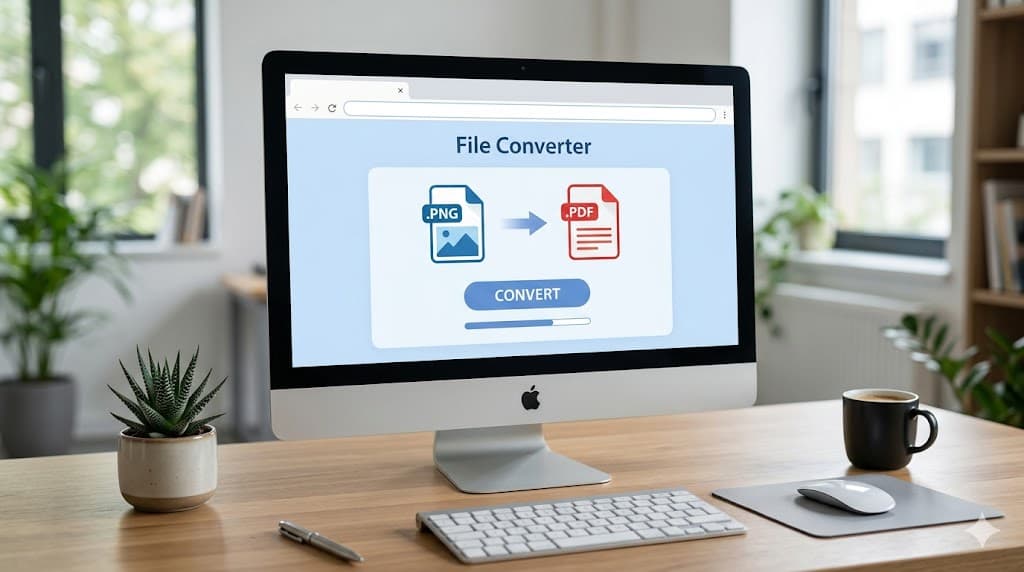
Convert PNG to PDF Free Online — No Install, No Fuss
You've got a PNG — a screenshot, a scanned form, a chart, a logo — and you need to send it as a PDF. Every email client handles PDFs better than raw images. Your boss asked for a PDF. The upload portal only accepts PDFs. Whatever the reason, you're stuck one step away from done.
The quick answer: you can convert PNG to PDF right in your browser in under a minute, for free, with no software to install and no account required.
Why Convert PNG to PDF Anyway?
PNGs are great for images — sharp, lossless, transparent backgrounds. But they're not great for sharing in professional or formal contexts. Here's why people convert them:
- Universal compatibility. PDFs open the same way everywhere. A PNG might look different depending on someone's image viewer settings or zoom level.
- Fixed layout. A PDF is a document, not just a picture. It has a defined page size, margins, and resolution that don't shift when printed.
- Multi-page documents. Need to combine five screenshots into one file? You can't do that with a PNG, but you absolutely can with a PDF.
- Upload requirements. Forms, portals, and legal systems often require PDF submissions.
The conversion itself doesn't degrade your image — a good converter just wraps the PNG inside a PDF container at full quality.
How to Convert PNG to PDF Online — Step by Step
Here's how to do it with ConvertFleet's free image-to-PDF tool:
- Go to the converter. Head to ConvertFleet's free PNG to PDF converter and pick PNG to PDF from the image conversion options. No account needed to try it.
- Upload your PNG file. Click the upload area or drag your file directly in. Files stay in your browser — they're not stored on a server or shared with anyone.
- Hit Convert. The tool processes it and gives you a download link within seconds. For most PNGs, it's nearly instant.
- Download your PDF. Click the download button. Open it to verify it looks right — the image should fill the page cleanly.
That's it. No email required, no waiting for a confirmation, no watermark on the result.
Converting Multiple PNGs into One PDF
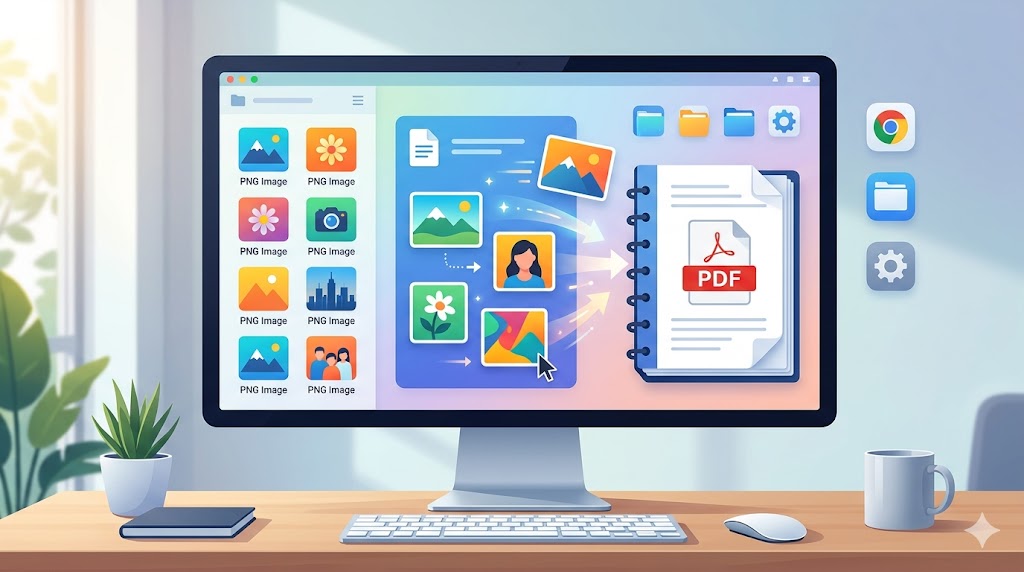
Sometimes one PNG isn't enough. You might have a series of screenshots showing a process, or a set of scanned pages you want combined into a single document. Here's how to handle that:
If you just need a few files merged, convert them individually first and then use a PDF merger to combine them. ConvertFleet has a merge tool as well — you can do the whole thing in one place without switching between services.
If you're doing this regularly — say, converting a batch of product images or generating PDFs from automated screenshots — that's when the API becomes useful (more on that below).
What Happens to Image Quality?
This is a fair question. The short answer is: nothing bad happens to the image quality when you convert PNG to PDF, as long as the converter embeds the image at full resolution.
PNG is a lossless format, so there's no compression quality to lose in the first place. When a converter wraps a PNG inside a PDF, it's not re-encoding the image — it's just placing it in a PDF container. The pixels you put in are the pixels you get out.
Where things can go wrong is with bad converters that re-encode to JPEG before embedding (which does lose quality), or scale the image down to reduce file size. ConvertFleet preserves your original image at full resolution.
One thing worth knowing: if your PNG has a transparent background (common for logos and icons), some converters replace the transparency with white. That's generally fine for printing or document submission, but worth checking if you care about transparency.
PNG to PDF for Developers and Automation Workflows
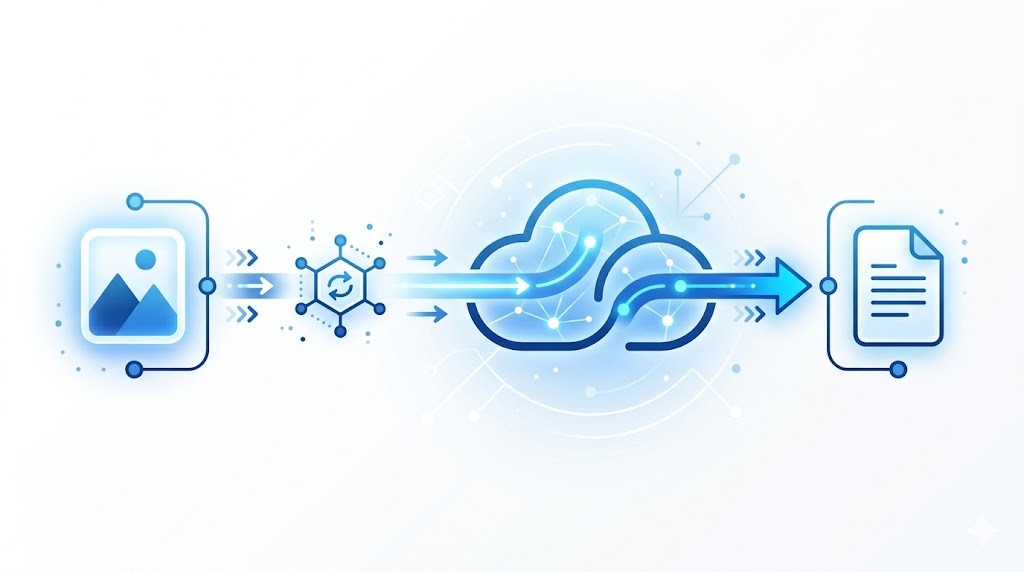
If you're building a pipeline — automated reports, invoice generation, screenshot archiving, document workflows — you don't want to manually upload files every time. That's where an API makes the whole thing hands-off.
The ConvertFleet File Conversion API supports PNG to PDF (and 177+ other format pairs). You send a POST request with the file, specify the target format, and get the converted file back. It plugs directly into n8n, Make, Zapier, or any custom backend. One conversion per trigger, or batch hundreds at a time.
Here's the basic flow in a workflow tool like n8n:
- Trigger fires (new file in Dropbox, form submission, webhook from your app)
- HTTP node sends the PNG to the ConvertFleet API
- API returns the PDF
- Next node saves it to Google Drive, emails it, uploads it — whatever you need
No code, no servers, no manual steps. It just runs.
FAQ
Is it safe to convert PNG files online?
With browser-based converters like ConvertFleet, the file processing happens in your own browser using WebAssembly tools — your file doesn't get sent to a third-party server for processing. For sensitive documents, that's exactly what you want. Always check the privacy policy of any tool you use, but browser-based processing is generally the most private option.
Will the PDF be searchable?
A PNG-to-PDF conversion produces an image-based PDF, meaning the text in the PDF is part of the image — it's not selectable or searchable text. If you need a searchable PDF (for instance, from a scanned document), you'd want an OCR step first to extract the text. ConvertFleet has OCR tools that can handle that.
Can I convert a PNG with a transparent background to PDF?
Yes, but transparency handling varies. Most PDF converters replace transparent areas with white, since PDFs don't support true transparency the same way PNGs do. If your design depends on transparency, check the output before distributing it.
Is there a file size limit?
For the free tool, there's a practical limit based on what your browser can handle. Very large PNGs (large canvas size or high resolution) process fine for most use cases. If you're working with extremely large files at scale, the API handles those without browser constraints.
Do it now (and automate it later)
One-off? Use the free PNG to PDF converter right now — no install, no account needed to try it. Convert PNG to PDF free on ConvertFleet
Doing this a lot, or inside a workflow? Automate this end-to-end with the ConvertFleet File Conversion API (177+ formats, works in n8n/Make/Zapier). Free tier to start; paid plans scale it. See the File Conversion API · plans & pricing.
PNG to PDF is one of those conversions that should take less than a minute. With the right tool, it does.
Read next
Automation & API · May 20, 2026
Why Make.com File Conversion Modules Fail Above 10MB (And the Fix)
Make.com file modules silently choke past ~10MB and burn 3-5x ops per scenario. Here's why, and the HTTP-module swap that fixes it.

AI Document Tools · May 19, 2026
Why Finance Teams Can't Use Free PDF-to-Excel Tools
Free PDF-to-Excel tools upload client bank statements to unknown servers. Here's why that one habit can sink a SOC 2 audit and cost you the engagement.

Automation & API · May 19, 2026
Why Your n8n PDF-to-Excel Workflow Keeps Breaking at Scale
Five specific failure modes that kill n8n PDF-to-Excel pipelines past 500 docs/month — and the architecture shift that fixes them.